
📌 Struggling with event engagement? This event app fixed it! 

Download now

📌 Struggling with event engagement? This event app fixed it! 

Download now

Best Event App in 2026: Complete Comparison Guide

March 20, 2023

image-alternative-text
Pooja

Quick Answer: Best Event Apps Ranked

Best event app overall: Nunify 

Best event app for enterprise (unlimited budget): Cvent 

Best event app for conferences: Nunify 

Best event app for trade shows: Nunify 

Best event app for webinars only: Whova 

Best event app for virtual events: Vfairs 

Best event app for corporate events: Nunify 

Best mobile event app for engagement: Nunify 

Best event app for simple ticketing: Eventbrite 

Best Pathable alternative: Nunify

Best Event Apps Ranked

RankPlatformBest ForG2 rating ⭐App store rating ⭐Key StrengthLimitation
1NunifyOverall best4.85 4.9AI + gamification + analyticsNot for tiny events
2EventbriteSimple ticketing4.44.9Easy, trusted, free tierNo event management
3CventEnterprise4.34.7Brand recognitionExpensive, complex
4WhovaConferences4.84.8Networking featuresDated interface
5EventMobiVirtual events4.62.8Strong virtual toolsWeaker in-person
6Aventri/StovaEnterprise overflow4.22.7Cvent alternativeAcquisition uncertainty
7PathableAssociationsNANACommunity featuresDiscontinued
8GuidebookBudget option4.44.7Low costBasic features

Bottom line: If you want an event app with serious event app features, analytics that prove ROI, and AI that actually helps Nunify is the answer. If you just need ticketing, use Eventbrite. If budget is unlimited and you need enterprise brand recognition, Cvent works.

How To Choose The Perfect Event App In 2026

Evaluation CriteriaWhy did I choose it?  
G2 RatingG2 is the best B2B third-party review website
Apple App Store RatingThis rating is trusted by iPhone/iOS users
Google Play Store RatingThis rating is trusted by Android users
Founding Year Experience matters! 
Difficulty Level I use this to measure how easy is to launch an event app
Must-Have Features It is critical for the provider to have the fundamentals
Engagement Features Engagement is essential for every mobile event app
USP/Unique featuresWhat new does the event app builder vs competition
Customer Support Support is the X-factor for every software platform
ComplianceData and Privacy is critical in today’s world
IntegrationsCan the platform integrate with popular software? 
Price How complicated is the pricing structure?

What Makes a Great Event App in 2026

Mobile Experience

Your attendees live on their phones. The app needs to be:

  • Native iOS and Android (not a web wrapper)
  • Fast, responsive, no lag
  • Intuitive navigation without training
  • Offline mode for poor connectivity
  • Push notifications that actually get opened

What separates good from great: White-label branding so the app feels like yours, not a generic platform.

Gamification Features

Gamification drives engagement. The best event apps include:

  • Points and leaderboards
  • Team games and competitions
  • Scavenger hunts
  • Quizzes and puzzles
  • Video and audio contests
  • Badges and achievements
  • Social challenges

Why it matters: Events with gamification see 30-50% higher engagement rates. Attendees who engage more, remember more, and attribute more value to sponsors.

Analytics and ROI Tracking

If you can't prove ROI, your event budget gets cut next year. The event app builder needs:

  • Real-time dashboards
  • Session attendance tracking
  • Engagement metrics per attendee
  • Sponsor/exhibitor analytics
  • Lead generation attribution
  • Export to CRM and marketing automation

What separates good from great: Behavior analytics that show not just what happened, but why attendees engaged.

Hybrid and Virtual Event Support

Hybrid is the default now. The app needs to handle:

  • Simultaneous in-person and virtual attendees
  • Live streaming with backstage controls
  • Web conferencing integration
  • Video on demand libraries
  • Unified analytics across both audiences
  • Same experience regardless of attendance mode

Networking and Matchmaking

Events exist for connections. The app needs:

  • AI-powered matchmaking based on interests and goals
  • 1:1 meeting scheduling
  • Speed networking sessions
  • Group discussions and chat rooms
  • Business card exchange (digital)
  • Attendee profiles and search

Check-in and Badge Management

First impressions matter. The app needs:

  • QR code check-in
  • NFC and RFID options for speed
  • Kiosk self check-in
  • Badge printing with custom templates
  • Real-time attendance tracking
  • Access control for different attendee types

Why it matters: When 2,000 people arrive in 30 minutes, your check-in system determines whether your event starts with energy or frustration.

Exhibitor and Sponsor Tools

Sponsors pay the bills. The app needs:

  • Exhibitor booths with branding
  • Sponsored ads and content
  • Lead retrieval for exhibitors
  • Booth analytics (who visited, how long)
  • Meeting scheduling with attendees
  • Sponsor ROI dashboards

Integrations

Your event app doesn't exist in isolation. It needs to connect to:

  • CRM (Salesforce, HubSpot)
  • Marketing automation (Marketo, HubSpot)
  • Registration platforms
  • Payment processors
  • Calendar systems
  • Communication tools (Slack, email)
  • Open API for custom integrations

Best Event Apps: Detailed Reviews

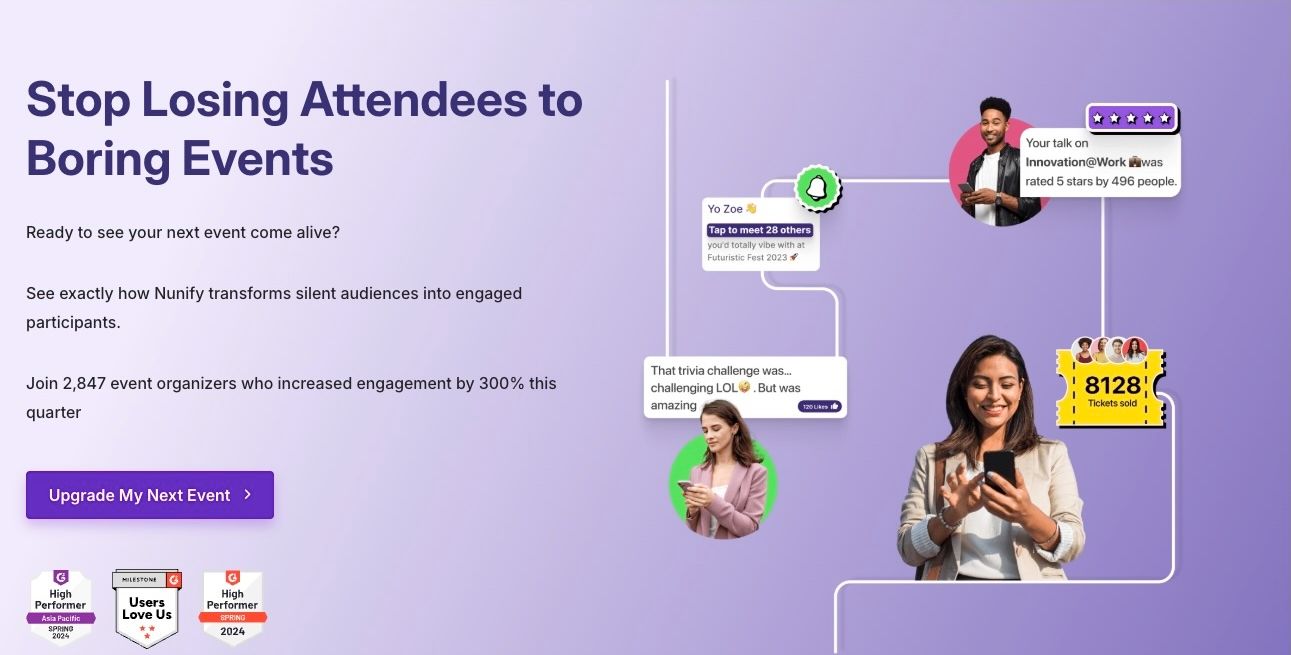
Nunify: Best Overall Event App in 2026

Ratings: G2 – 4.85 | Apple App store : 4.9 | Google Play store : 4.9

Nunify - Best event app in 2026.jpg

Best for: Corporate events, trade shows, conferences, hybrid events, associations.

Why it's #1: Nunify combines everything gamification that actually engages, AI that actually helps, analytics that actually prove ROI without the enterprise pricing that makes CFOs cry.

Mobile Event App Features

Full-featured native apps for iOS and Android:

  • White-label branding (your logo, your colors, your app)
  • Custom navigation and home screen
  • Push notifications with segmentation
  • Offline mode for poor connectivity
  • Interactive agenda with personal scheduling
  • Speaker and attendee profiles
  • Document library
  • Venue maps and wayfinding
  • Activity feed and social wall

The app is fast, intuitive, and doesn't require training. Attendees actually use it.

Gamification Suite

This is where Nunify separates from competitors:

  • Points and leaderboards (individual and team)
  • Team games and competitions
  • Scavenger hunts
  • Puzzles and quizzes
  • Video contests
  • Audio contests
  • Badges and achievements
  • Hashtags and mentions in social wall
  • Rich leaderboard with team breakdowns

Most platforms have basic gamification (points, maybe a leaderboard). Nunify has a full engagement engine.

AI Event App Features

Zuno AI Chatbot: Attendees ask questions about sessions, speakers, schedules 24/7. No more staffing a help desk around the clock.

AI Matchmaking: Intelligent pairing based on interests, goals, and profiles. Better connections than random networking.

AI Theming: Upload your logo, AI generates matching colors and templates. Brand consistency without a designer.

Analytics and ROI

  • Real-time dashboards
  • Session attendance and engagement
  • Exhibitor booth analytics
  • Lead generation tracking
  • Sponsor ROI measurement
  • Attendee behavior patterns
  • Export to Salesforce, HubSpot, Marketo

The analytics don't just show what happened, they show what drove engagement and how to improve next time.

Exhibitor and Sponsor Tools In Event App

  • Exhibitor booths with full branding
  • Sponsored ads throughout the app
  • Lead retrieval with qualification
  • Booth traffic analytics
  • Meeting scheduling with attendees
  • Sponsor ROI dashboards

Sponsors see exactly what they got for their money. That's how you get renewals.

Hybrid and Virtual  Support

  • Live streaming with backstage controls
  • Web conferencing integration (Zoom, YouTube, Vimeo)
  • Video networking rooms
  • Speed networking sessions
  • On-demand video library
  • Same app experience for in-person and virtual
  • Unified analytics across audiences

Event Check-in and Badge Management

  • QR code, NFC, and RFID check-in
  • Kiosk self check-in for faster throughput
  • Badge printing with custom templates
  • Real-time attendance tracking
  • Access control by attendee type
  • Session-level check-in

When 2,000 people arrive in 30 minutes, Nunify moves the line.

Integrations

  • Native Salesforce integration (bi-directional sync)
  • HubSpot integration
  • Marketo integration
  • Open API for custom development
  • Zapier connectivity
  • Single sign-on (SSO)
  • Payment processing

Customer Support

24/7 global support: real humans who understand events, not ticket queues. This is included, not a premium upsell.

Detailed onboarding: the team understands your specific needs before configuring the platform.

When Nunify May Not Be Right

No platform is perfect for everyone:

  • You only need ticketing - Eventbrite is simpler and cheaper
  • Budget is truly unlimited and brand recognition matters - Cvent has enterprise weight
  • Very small events (<50 people)  -  might be more than you need
  • You only run webinars -  specialized webinar tools might be better

Nunify Pricing

Custom pricing based on event portfolio and features. Structured to avoid the per-attendee scaling costs and surprise overages that plague enterprise platforms. Flexible contract terms available.

Plans start around $300/event for smaller events. Contact sales for custom packages.


Eventbrite : Best for Simple Ticketing

Ratings: G2 – 4.4 | Apple App store : 4.9 | Google Play store : 4.9

What it is: Ticketing platform for registration, payments, and basic event promotion.

Best for: Ticketed public events, workshops, community gatherings, fundraisers.

Why it's #2: Does one thing well. If ticketing is your only need, Eventbrite is simple, trusted, and has a free tier.

Strengths

  • Easy setup in minutes
  • Consumer trust and brand recognition
  • Free for free events
  • Built-in discovery and promotion
  • Simple payment processing
  • Basic mobile app for attendees

Limitations

  • Not an event management platform
  • Limited analytics
  • No gamification
  • No networking features
  • No exhibitor tools
  • No hybrid/virtual capabilities
  • Basic check-in only

Eventbrite Pricing

Free for free events. For paid tickets: percentage of ticket price plus fixed per-ticket fee. Fees add up for high-volume events.

Bottom line: Eventbrite is for ticketing. If you need actual event management, look elsewhere.

Cvent :  Best for Enterprise (Unlimited Budget)

Ratings: G2 – 4.3 | Apple App store : 4.8 | Google Play store : 4.7

Cvent .jpg

What it is: Enterprise event management platform with extensive features and enterprise pricing.

Best for: Fortune 500 companies, large associations, organizations where brand recognition matters for procurement.

Why it's #3: Cvent has everything. It also costs everything.

Strengths

  • Comprehensive feature set
  • Industry brand recognition
  • Strong venue sourcing network
  • Robust mobile app
  • Marketing automation tools
  • Enterprise integrations

Limitations

  • Enterprise pricing ($50,000+ annually)
  • Complex interface with steep learning curve
  • Customer support as premium upsell
  • Long implementation timeline (months, not weeks)
  • Annual contracts with auto-renewal
  • Per-attendee fees that scale unexpectedly

What reviewers say: "Steep learning curve and overwhelming interface." "Pricing not suitable for smaller events." "Slow responses, unhelpful reps." "Technical glitches during live events." (G2, TrustRadius, Capterra)

The platform is powerful, but you're paying for complexity you may not need. Implementation takes months. Getting simple changes requires submitting tickets and waiting.

Cvent Pricing

Enterprise contracts typically start at $50,000+ annually. Add professional services, integrations, and premium support tiers, and costs can exceed $100,000. Custom quotes based on features, events, and attendee volume.

Bottom line: Cvent is the safe enterprise choice if budget isn't a constraint and brand recognition matters for procurement. For everyone else, the math doesn't work.

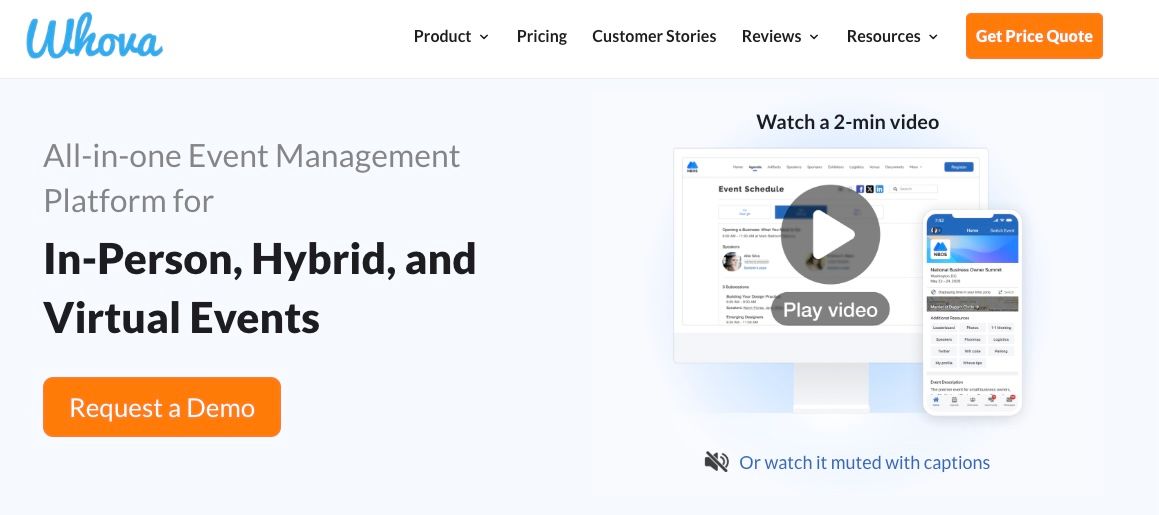
Whova: Best for Conference Networking

Ratings: G2 – 4.8 | Apple App store : 4.8 | Google Play store : 4.9

whova.jpg

What it is: Event app focused on attendee networking and community building.

Best for: Professional conferences, association events, academic conferences.

 Strengths

  • Strong networking features
  • Community building tools
  • Attendee engagement
  • Reasonable pricing vs. Cvent
  • Good mobile app
  • Agenda and session management
  • Attendee matchmaking

Limitations

  • Interface feels dated compared to newer platforms
  • Analytics less robust than competitors
  • Limited hybrid capabilities
  • Weaker exhibitor and sponsor tools
  • Less customization than competitors
  • Gamification features are basic

Whova Pricing

Custom pricing based on event size. Generally more affordable than Cvent but not transparent. Contact sales for quotes.

Bottom line: Solid choice for conferences where networking is the priority. Falls short on analytics, gamification, and modern features. If you need more than networking, look at Nunify.

EventMobi : Best for Virtual Events

Ratings: G2 – 4.6 | Apple App store : 2.8 | Google Play store : 3

2aa28edff2f2e51df0dba1bee38b8429.webp

What it is: Event platform with strong virtual event capabilities and decent mobile app.

Best for: Virtual events, webinars, organizations prioritizing remote attendees.

Strengths

  • Strong virtual event tools
  • Good mobile app experience
  • Gamification features
  • Reasonable analytics
  • DIY platform with drag-and-drop
  • Video on demand support
  • Live streaming capabilities

Limitations

  • Weaker for in-person events
  • Limited check-in capabilities
  • Less robust exhibitor tools
  • Smaller integration ecosystem
  • Not as strong for trade shows
  • Analytics not as deep as enterprise options

EventMobi Pricing

Custom pricing. Mid-market positioning, less than Cvent, more than basic tools. Contact sales for specific quotes.

Bottom line: Good choice if virtual is your primary format. For hybrid or in-person heavy events, Nunify or Cvent are stronger options.

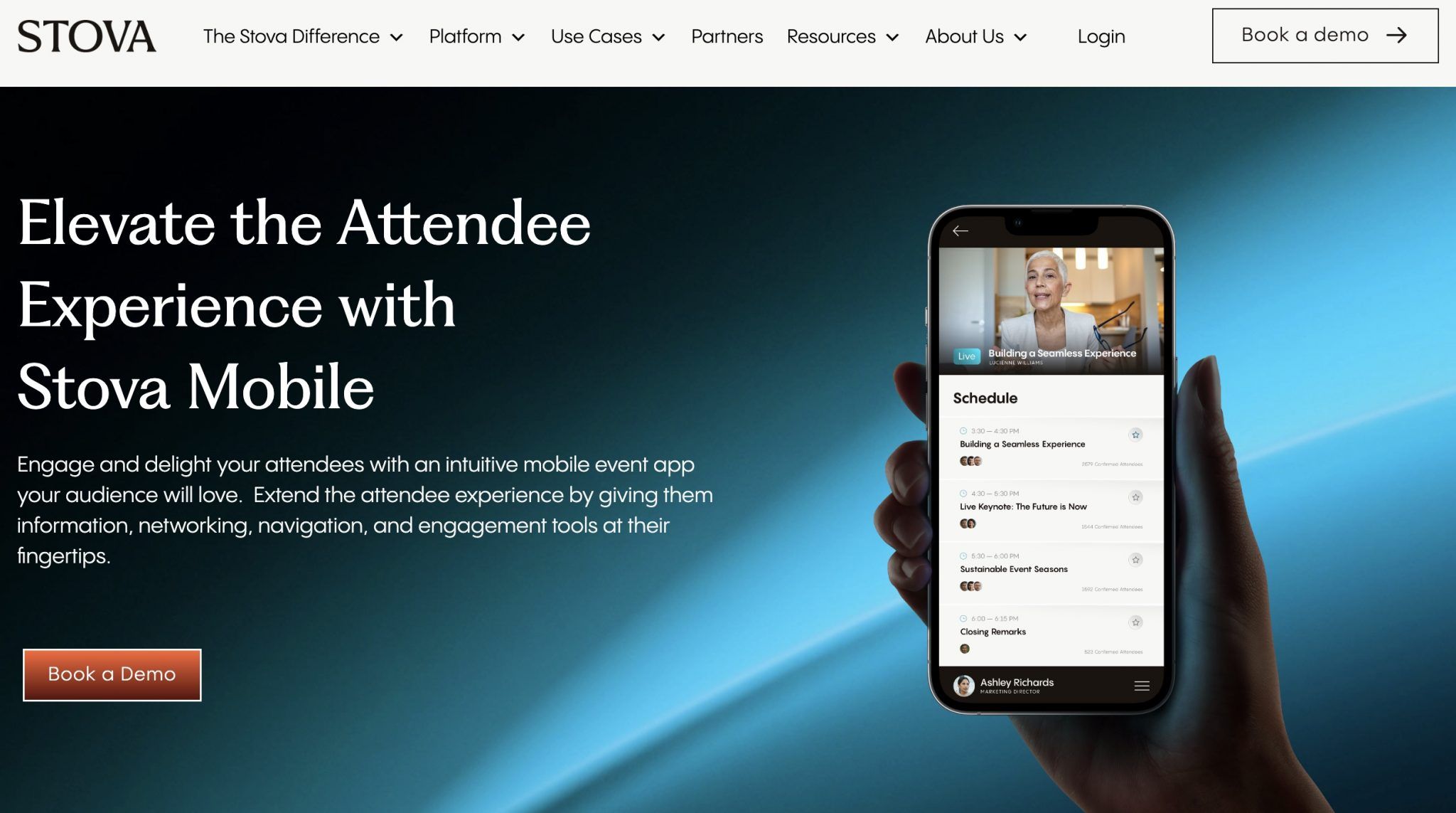
Aventri/Stova: Enterprise Alternative

Ratings: G2 – 4.2 | Apple App store : No app | Google Play store : 2.7

Stova

What it is: Enterprise event management platform, now part of Stova after acquisition.

Best for: Organizations needing enterprise features who want an alternative bid to Cvent.

Strengths

  • Comprehensive enterprise features
  • Strong analytics
  • Good mobile app
  • Established platform

Limitations

  • Acquisition creates uncertainty
  • Enterprise pricing
  • Complex implementation
  • Integration challenges during transition

Bottom line: If you need a Cvent alternative for enterprise procurement, Aventri/Stova works. But the acquisition uncertainty is real.

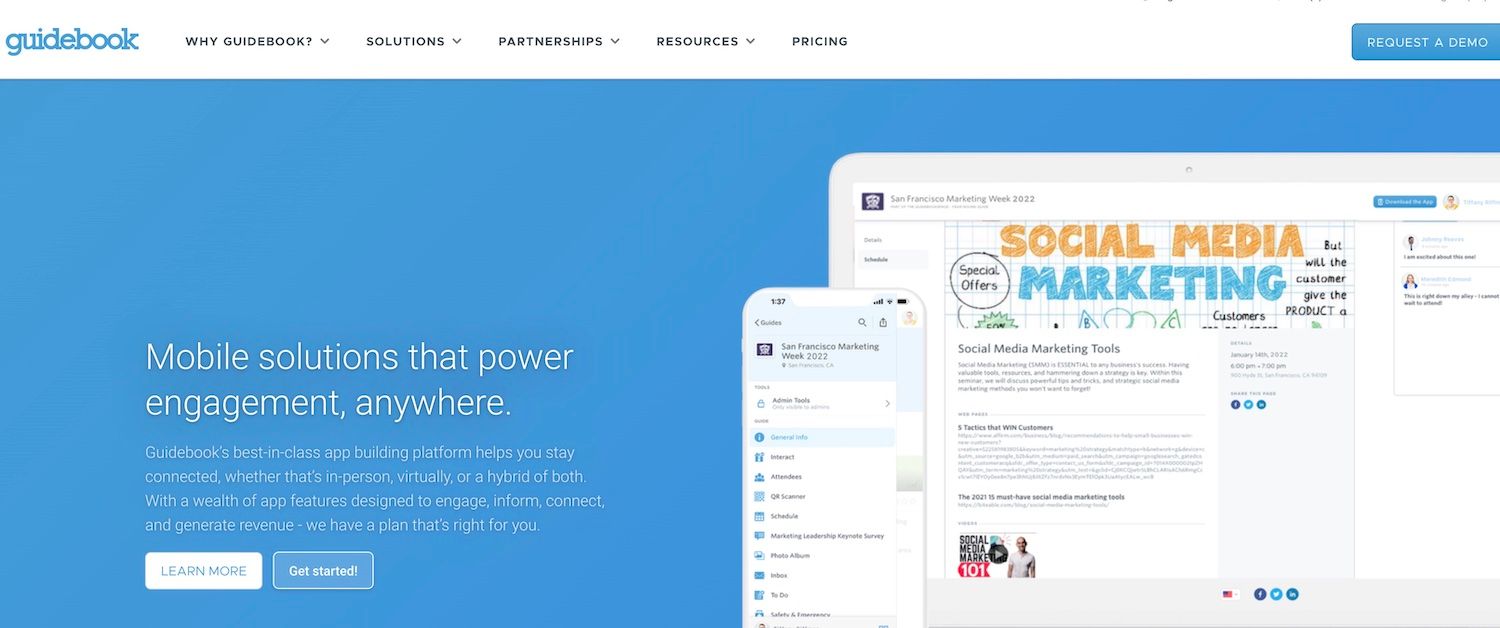
Guidebook : Budget option

Ratings: G2 – 4.4 | Apple App store : 4.7 | Google Play store : 4.2

Guidebook

What it is: DIY app builder for events and organizations.

Best for: Budget-conscious organizations, simple events, first-time app users.

Strengths

  • Low cost
  • Easy DIY builder
  • Native iOS and Android
  • Self-guided tours
  • Basic engagement features

Limitations

  • No white-label on lower tiers
  • Basic analytics
  • Limited gamification
  • Fewer integrations
  • Less suitable for large events

Guidebook Pricing

Self-service plans available. More affordable than enterprise options.

Bottom line: Good starter option for organizations testing event apps. You'll likely outgrow it.

 Event App Feature Comparison Tables

Core Event App Features

FeatureNunifyEventbriteCventWhovaEventMobiPathable
Native iOS/Android
White-label brandingLimited
Push notificationsBasic
Offline modeLimited
Custom navigationLimited
Venue maps

Gamification Features

FeatureNunifyEventbriteCventWhovaEventMobiPathable
Points & leaderboards
Team games
Scavenger huntsLimited
Quizzes/puzzles
Video contests
Audio contests
Badges

Analytics and Data

FeatureNunifyEventbriteCventWhovaEventMobiPathable
Real-time dashboardsBasicLimited
Session analytics
Attendee behaviorLimitedLimited
Exhibitor analyticsLimitedLimited
ROI trackingLimited
CRM exportLimitedLimited

Hybrid and Virtual Capabilities

FeatureNunifyEventbriteCventWhovaEventMobiPathable
Live streamingLimited
Virtual networking
Video on demandLimited
Unified analyticsLimited
AI matchmakingLimited

Integrations

IntegrationNunifyEventbriteCventWhovaEventMobiPathable
SalesforceLimited
HubSpotLimited
MarketoLimited
Open APILimitedLimited
SSO

[H3] Pricing Comparison

PlatformStarting PriceContractPer-Attendee FeesHidden Costs
Nunify~$300/eventFlexibleStructured to avoidMinimal
EventbriteFree (free events)NoneYes (% of ticket)Transaction fees
Cvent$50,000+/yearAnnualYesSupport tiers, integrations
WhovaCustomAnnualVariesAdd-ons
EventMobiCustomAnnualVariesPremium features
PathableCustomVariesUnknownUnknown

Best Event App by Use Case

Best Event App for Trade Shows

Winner: Nunify

Trade shows need:

  • Exhibitor booths with branding
  • Lead retrieval for sponsors
  • Check-in that handles thousands quickly
  • Gamification to drive booth traffic
  • Analytics that prove sponsor ROI

Nunify delivers all of this. Cvent works if budget is unlimited.

Best Event App for Corporate Events

Winner: Nunify

Corporate events need:

  • Professional branding (white-label)
  • Executive-level analytics
  • Integration with existing tech stack (Salesforce, HubSpot)
  • Reliable support
  • Security and compliance

Nunify offers enhanced event app security,  enterprise capabilities without enterprise pricing.

Best Event App for Conferences

Winner: Nunify

Conferences need:

  • Networking and matchmaking
  • Session scheduling
  • Speaker profiles
  • Attendee engagement
  • Mobile-first experience

Nunify's AI matchmaking and gamification drive conference engagement. Whova is a reasonable alternative if networking is the only priority.

 Best Event App for Hybrid Events

Winner: Nunify

Hybrid events need:

  • Same experience for in-person and virtual
  • Live streaming with controls
  • Virtual networking rooms
  • Unified analytics across audiences
  • No second-class experience for remote attendees

Nunify treats virtual attendees as first-class participants.

Best Event App for Nonprofits

Winner: Nunify

Nonprofits need:

  • Affordable pricing
  • Fundraising integration
  • Donor engagement features
  • Flexible contracts
  • Volunteer coordination

Nunify offers enterprise capabilities at nonprofit-friendly pricing. Eventbrite works for simple fundraising events.

Best Free Event App

Winner: Eventbrite

If you need free:

  • Eventbrite is free for free events
  • But it's only ticketing, not event management
  • For actual event management, there's no truly free option worth using

Best White Label Event App

Winner: Nunify

White-label means:

  • Your logo, your colors
  • Your app icon in app stores
  • No vendor branding visible to attendees
  • Complete brand consistency

Nunify offers full white-label. Eventbrite doesn't. Cvent does but at enterprise prices.

Best Affordable Event App

Winner: Nunify

Affordable means:

  • Transparent pricing
  • No per-attendee fees that explode at scale
  • Flexible contracts
  • Includes support (not premium upsell)

Nunify is positioned for mid-market — enterprise features, not enterprise pricing.

Event App Pricing: What to Expect

Free Tier

Eventbrite is free for free events. That's it. For actual event management, free doesn't exist.

Budget ($300-$1,000/event)

Nunify and Guidebook serve this tier. You get core features but may need to prioritize.

Mid-Market ($1,000-$10,000/event)

Nunify, EventMobi, Whova compete here. Full features, reasonable support, professional platforms.

Enterprise ($50,000+/year)

Cvent and Aventri/Stova dominate. Full features, dedicated support, enterprise sales process.

Watch Out For

  • Per-attendee fees that scale unexpectedly
  • Support tiers that charge for actual help
  • Annual contracts with auto-renewal
  • Integration fees
  • Professional services requirements

Event App Technology Trends in 2026

AI Is No Longer Optional

Event apps with AI features are outperforming those without. Key AI applications:

  • AI Chatbots — 24/7 attendee support without staffing costs
  • AI Matchmaking — Better connections than random networking
  • AI Content Recommendations — Personalized session suggestions
  • AI Analytics — Predictive insights, not just historical data

Nunify's Zuno AI chatbot and AI matchmaking are examples of AI done right — practical features that solve real problems, not buzzword marketing.

Hybrid Is the Default

The question isn't "in-person or virtual" anymore. It's "how do we serve both equally?"

Event apps need to treat virtual attendees as first-class participants, not afterthoughts. That means:

  • Same engagement features for both audiences
  • Unified analytics
  • Virtual networking that actually works
  • Live streaming with professional controls

Gamification Drives Engagement

Basic points and leaderboards aren't enough. Advanced gamification includes:

  • Team competitions
  • Multi-format contests (video, audio, puzzle)
  • Scavenger hunts with real-world and digital elements
  • Achievement systems with badges
  • Social challenges

Events with gamification see significantly higher engagement rates. Sponsors love it because it drives booth traffic.

 Data and Analytics Must Prove ROI

"We had a great event" doesn't cut it anymore. You need:

  • Session-level engagement metrics
  • Attendee behavior tracking
  • Sponsor ROI dashboards
  • Lead attribution
  • CRM integration for closed-loop reporting

If you can't prove ROI, your event budget gets cut.

How to Choose the Right Event App

Common Mistakes When Choosing an Event App

Before we get into the selection process, here's what goes wrong:

Mistake 1: Choosing based on demo, not reality Demos are polished. Real usage isn't. Always run a pilot event before committing.

Mistake 2: Underestimating the learning curve Complex platforms require training. If your team can barely use the current tool, a more complex one won't help.

Mistake 3: Ignoring per-attendee pricing at scale $2/attendee sounds cheap until you have 5,000 attendees and suddenly owe $10,000 extra.

Mistake 4: Forgetting about support When something breaks at 6 AM on event day, "submit a ticket" isn't an acceptable answer.

Mistake 5: Overlooking integration requirements If data doesn't flow to your CRM automatically, someone's doing manual work forever.

Mistake 6: Prioritizing features you'll never use Enterprise platforms have 500 features. You'll use 50. Pay for what you need.

Step 1: Define Your Event Type

  • Trade show → Need exhibitor tools, lead retrieval
  • Conference → Need networking, session management
  • Hybrid → Need unified virtual + in-person
  • Simple ticketed event → Maybe just need Eventbrite

Step 2: List Must-Have Features

  • Gamification?
  • Analytics?
  • White-label?
  • Integrations?
  • Check-in hardware?

Step 3: Set Budget Constraints

  • Under $1,000 → Nunify, Guidebook
  • $1,000-$10,000 → Nunify, EventMobi, Whova
  • $50,000+ → Cvent, Aventri

Step 4: Evaluate Support

  • 24/7 availability?
  • Included or premium?
  • Onboarding assistance?
  • Response time guarantees?

Step 5: Test Before Committing

  • Request demos
  • Run a pilot event
  • Test the actual attendee experience
  • Verify integrations work

Frequently Asked Questions

  • Nunify is the best event app in 2026 for most organizations. It combines enterprise features  gamification, AI matchmaking, analytics, hybrid support  with pricing that works for mid-market budgets. Includes 24/7 support and white-label branding.

  • Eventbrite is free for free events, but it's a ticketing platform, not an event management app. For actual event management with features like gamification, networking, and analytics, there's no quality free option. Nunify offers affordable plans starting around $300/event.

  • Nunify is the best event app for conferences because it combines networking (AI matchmaking, 1:1 scheduling), engagement (gamification, polls, Q&A), and analytics in one platform. Whova is a reasonable alternative if networking is your only priority.


  • Nunify is the best mobile event app for engagement due to its comprehensive gamification suite  team games, scavenger hunts, video contests, audio contests, puzzles, leaderboards, and badges. Most competitors offer basic points and leaderboards only.

  • Nunify is the best event app for trade shows because it includes exhibitor booths, sponsored ads, lead retrieval, booth analytics, and sponsor ROI dashboards. Cvent also works but costs significantly more.

  • Nunify is the best Pathable alternative. It offers everything Pathable does community features, networking, engagement plus advanced gamification, AI features, and better analytics. More scalable for larger events.

  • Nunify is the best affordable event app for organizations that need real features without enterprise pricing. Plans start around $300/event with flexible contracts and no per-attendee fees that explode at scale.


  • Nunify is the best white label event app. Full branding control your logo, colors, app icon  with no vendor branding visible to attendees. Cvent offers white-label but at enterprise prices.

  • Nunify is the best event app for hybrid events because it treats virtual and in-person attendees equally. Same app experience, unified analytics, live streaming with controls, virtual networking rooms.


  • Event app costs range from free to $50,000+ annually:

    • Free: Eventbrite (free events only, ticketing only)
    • Budget: $300-$1,000/event (Nunify, Guidebook)
    • Mid-market: $1,000-$10,000/event (Nunify, EventMobi, Whova)
    • Enterprise: $50,000+/year (Cvent, Aventri)
  • Nunify is the best event app for corporate events because it offers professional branding (white-label), executive-level analytics, integration with corporate tech stacks (Salesforce, HubSpot), and reliable 24/7 support. Cvent works for Fortune 500 with unlimited budgets.


  • Nunify is the best branded event app. White-label means your logo, your colors, your app icon in the app stores  no vendor branding visible to attendees. This matters for corporate events where brand consistency is non-negotiable.


  • Nunify and Pathable are both good options for associations. Pathable focuses on community building. Nunify offers more features, better gamification, and stronger analytics. For associations running larger events or trade shows, Nunify is the better choice.

The Verdict: Which Event App Should You Choose?

Choose Nunify if:

  • You want enterprise features without enterprise pricing
  • Gamification and engagement are priorities
  • You need AI features (chatbot, matchmaking, theming)
  • Analytics and ROI proof matter
  • Trade shows, conferences, or corporate events
  • Hybrid events are in your future
  • White-label branding is important
  • 24/7 support should be included, not an upsell

Choose Eventbrite if:

  • Simple ticketing is your only need
  • Free tier for free events is attractive
  • You don't need event management features
  • Consumer brand recognition matters

Choose Cvent if:

  • Budget is truly unlimited
  • Enterprise brand recognition matters for procurement
  • Venue sourcing is a critical feature
  • You have dedicated event staff to manage complexity

Choose Whova if:

  • Conference networking is your primary focus
  • Budget is moderate
  • You can accept a dated interface
  • Advanced features aren't priorities

Choose EventMobi if:

  • Virtual events are your primary format
  • In-person is secondary
  • Mid-market budget

Choose Pathable if:

  • Association or membership events
  • Community building is the focus
  • Smaller scale events

Choose Guidebook if:

  • Budget is the primary constraint
  • First time using an event app
  • Simple events with basic needs