
Free event QR code generator
Turn your registration page, RSVP form or event app link into a QR code guests can scan. Free to use.

How it works
How to create a QR code for event registration
Three steps from event link to a code guests can scan.
1. Choose your QR code type
Select Registration or Event App, depending on where you want to send guests.
2. Add your event link
Paste your registration page, RSVP form or event app link and fill in the requested details.
3. Create and use your QR code
Generate your QR code, test it with your phone and add it to your event materials.
Where to use it
One scan to your next event action
Put the code wherever guests will see it and send them straight to the right place.
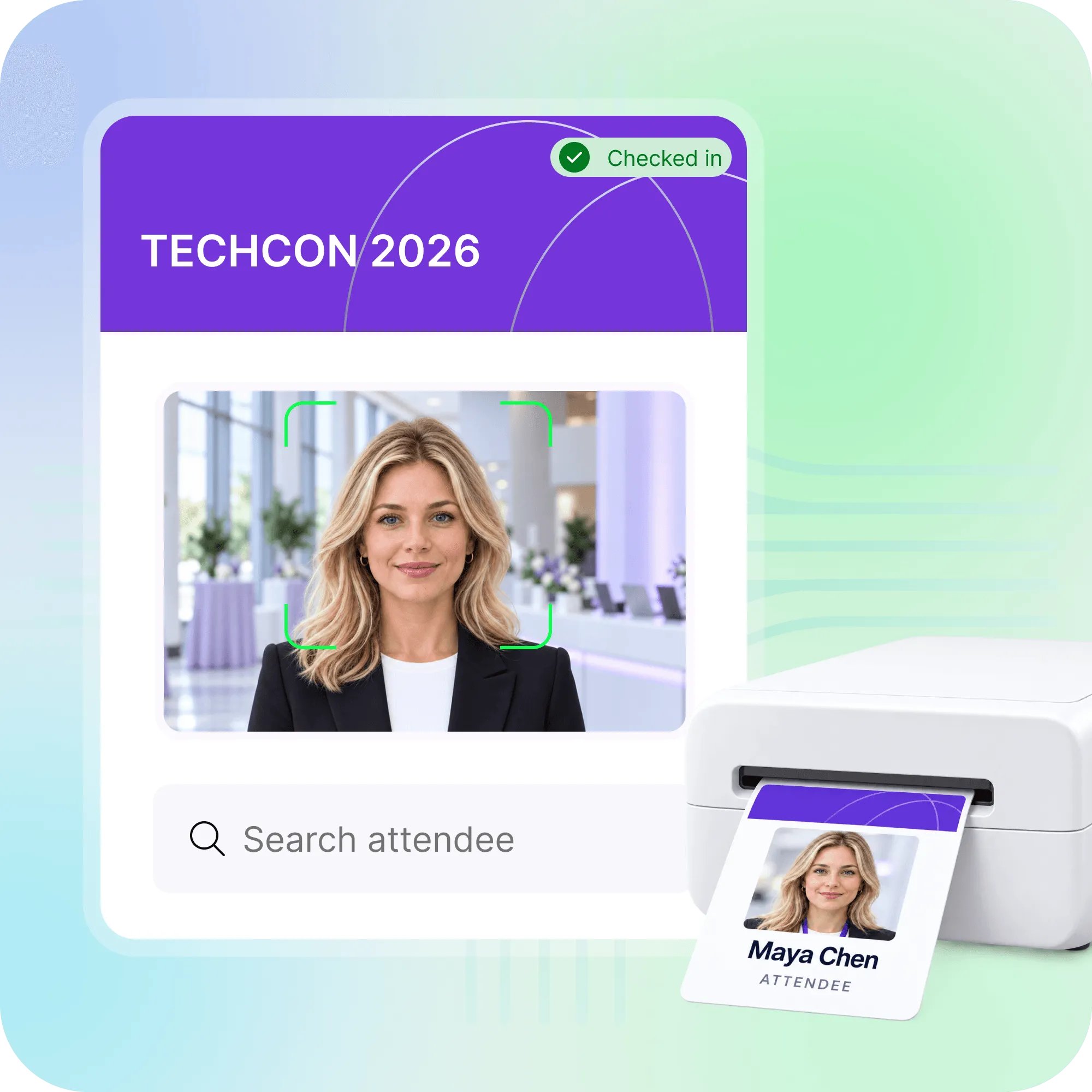
Event registration
Put a QR code on flyers, posters or venue signs so people can open your registration page on their phones.
RSVP forms
Give invited guests a direct route to your RSVP form. Add the code to printed invitations or table cards.
Event app access
Help attendees find your event app. Place the code at the welcome desk or on an opening slide.
Questions about event QR codes
Yes. You can create and use your event QR code for free.
Yes. Choose Registration and paste the public link to your Eventbrite event page. Guests can scan the code to open that page. This does not create an individual Eventbrite ticket or check-in code.
Yes. Choose Registration and paste the respondent link to your Google Form. Check that guests can open the form with your chosen access settings. Google Forms collects their responses; the QR code takes them to the form.
Choose Registration and add the link to your wedding RSVP form or website. Generate the QR code and place it on your invitation with a short instruction, such as “Scan to RSVP.” Test it before printing. Creating the QR code is free; your chosen website or RSVP service may have its own charges.
No. It opens the link you provide. Guests still need to complete your registration or RSVP form. Individual tickets, attendance tracking and check-in require an event registration or check-in system.
Yes. Keep the code clear, leave space around it and test a printed sample with a phone before printing the full batch. Add a short instruction so guests know what scanning will do.
Need the registration page behind the QR code?
Create your event registration website, manage your guest list and check in attendees with Nunify.