
An event planning template is a structured document, usually a spreadsheet, that organizes an event's budget, timeline, vendors, and registration data into one repeatable format. It exists so a team doesn't rebuild the same tracking system from scratch for every event. The templates that actually work tie those pieces together instead of treating them as four unrelated files.
Blog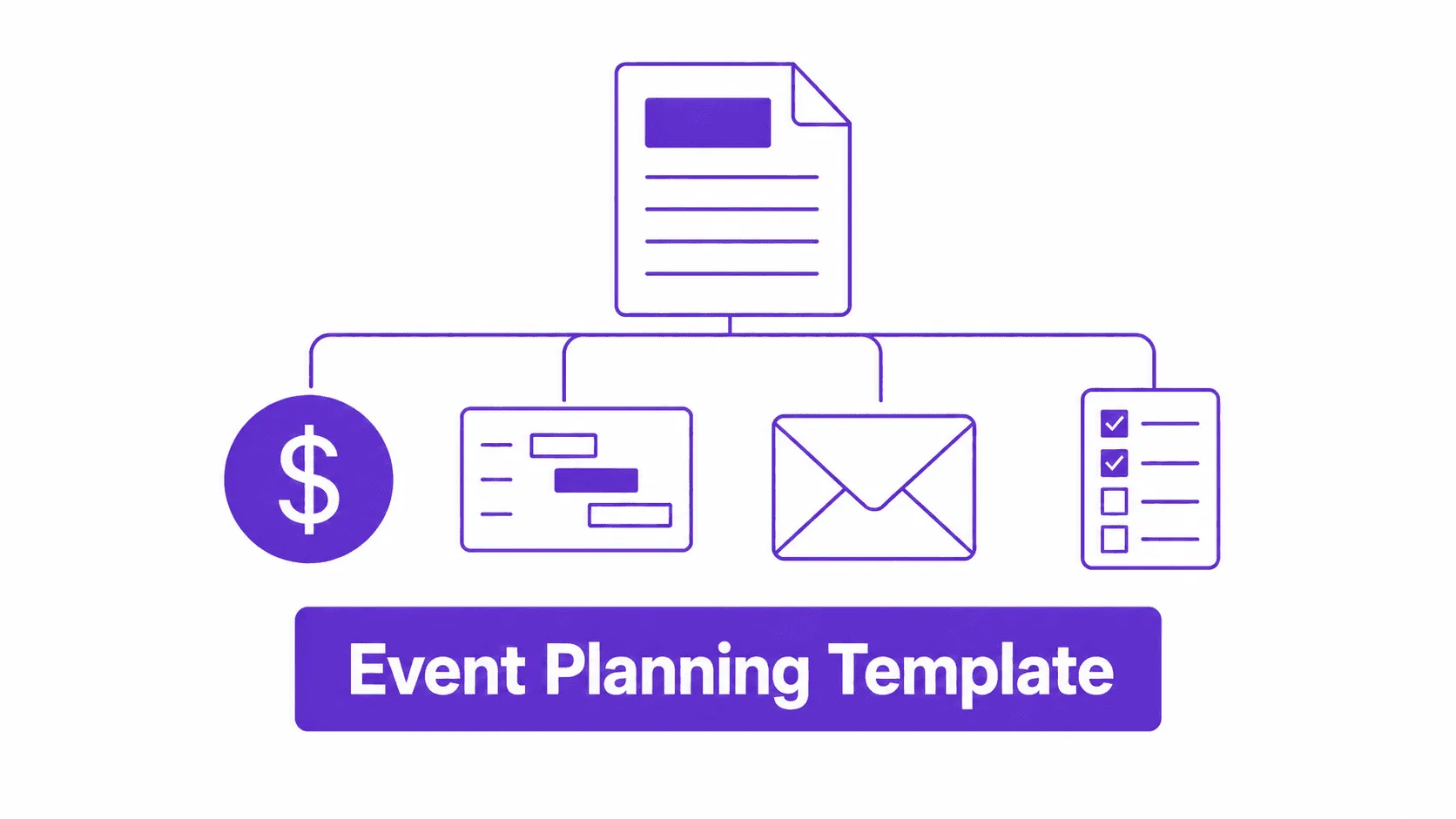
Event Planning Template: A Connected Kit for Budget, Timeline, and Vendor Tracking
In this article
- What Is An Event Planning Template?
- Why Do Most Event Planning Template Lists Fall Apart at the Event?
- What Should an Event Planning Template Actually Include?
- Why Does a Timeline or Gantt Chart Matter More Than a Checklist?
- How Do You Track Risk, Vendors, and Stakeholders Without Adding More Software?
- What Belongs in a Post-Event Reporting Tab?
- What's Different About a Kit That Connects to Your Event Platform?
- Free Event Planning Template Kit
- When Should You Skip a Full Template System?
- Event Planning Template FAQ
What Is An Event Planning Template?
Why Do Most Event Planning Template Lists Fall Apart at the Event?
Search "event planning template" and two kinds of results show up. The first comes from project management software: Smartsheet, Miro, ProjectManager.com. These are solid templates, built by people who understand budgets, timelines, and dependencies. They're just not written for events specifically. A Gantt chart built for a software sprint has no field for badge printing or catering headcount.
The second kind comes from event blogs, and it tends to go the opposite direction: ten separate downloads, one per template type, with nothing connecting them, whether it's an Excel workbook, a Notion database, a Canva design file, or a Google Sheet. Update the guest count in the registration sheet and the catering sheet doesn't know. Move the date on the timeline and nothing else shifts with it.
Neither approach is wrong. Each is solving half the problem.
If you're still deciding between software categories before you get to templates, our guide to event planning tools covers that comparison separately.
What Should an Event Planning Template Actually Include?
Before adding anything event-specific, a template needs to cover what every planner checks regardless of event size.
Here's a version of this that shows up constantly: a marketing calendar gets filled in perfectly, six weeks of send dates and channels, and registration still comes in 40% under target. The team goes back and fixes the marketing plan. Nobody checks whether the target audience column was ever filled in accurately, because the template never asked for it in the first place.
Why Does a Timeline or Gantt Chart Matter More Than a Checklist?
Most event planning template lists include a checklist and stop there. A checklist says what to do. It doesn't say when, who owns it, or what happens when task 12 slips and pushes task 13 with it.
A timeline or Gantt view does that job. It's the difference between "book venue" sitting on a list indefinitely and "book venue, due in 14 days, owned by Priya, blocks catering confirmation."
We've watched a 300-person conference lose most of a week because "book venue" sat on a checklist with no due date, while the marketing team assumed the venue was locked and started sending save-the-dates. The checklist didn't fail because the task was missing. It failed because nothing on it showed what depended on what.
This is the single biggest gap in most template roundups, including the popular ten-download lists: a scheduler template exists, but nothing frames it as a dependency chain. ProjectManager.com and Smartsheet get this right because dependency tracking is their core product. Most event-specific template lists don't, because they're written by people who think in checklists, not chains.
How Do You Track Risk, Vendors, and Stakeholders Without Adding More Software?
Three things planners underrate until they're mid-crisis:
- Risk log. Weather contingency, speaker no-show plan, AV backup. Three or four rows, reviewed once a week, catches most of what actually goes wrong.
- Stakeholder tracker. Who signs off on budget changes, who needs a status update and how often, who finds out last (usually the wrong answer, if you're honest about it).
- Vendor management. Not just a contact list: deliverable, deadline, and a column for "confirmed in writing" versus "said yes on a call."
None of these need dedicated software. They need a tab, a five-minute weekly review, and someone whose job it is to actually look at them. That's the part most templates skip: they give you the fields, not the habit.
What Belongs in a Post-Event Reporting Tab?
Most template lists stop at the event. The teams that actually improve event over event add one more habit, even without a dedicated fifth tab: a short reporting review within 48 hours.
Track four KPIs, not forty.
A dashboard makes this easier to skim. A single extra row on the Budget & Cost Tracker tab does the same job for teams not ready to build a full reporting view. For broader benchmarks beyond your own events, our 2026 event industry statistics roundup is a useful reference point.
What's Different About a Kit That Connects to Your Event Platform?
Every template above works as a static file, and every one of them stops being useful the moment the event starts, because a spreadsheet doesn't know who actually showed up.
That's where the gap between planning templates and an event platform shows up, and it's measurable.
With 60-70% of attendees typically arriving in the first 30 minutes, that gap decides whether your opening runs smoothly or backs up into a line out the door.
The templates in this kit don't require event software. They're built to work as standalone spreadsheets first. But the registration tab uses the same fields an event app actually needs, so if you move from spreadsheet to software later, that data ports over instead of getting rebuilt from scratch. If check-in speed and badge printing are the bottleneck you're actually trying to solve, Nunify's event app and plans break down what's included at each event size.
Free Event Planning Template Kit
This kit is four connected tabs, not ten separate downloads.
Every tab pulls from the same guest count and date fields, so updating one updates the assumptions in the others.
When Should You Skip a Full Template System?
Honest answer: under 50 attendees, a single tab with a checklist and a budget column is enough. Maintaining four connected tabs for a 30-person team offsite is overhead you don't need.
Bring in the full kit once an event crosses roughly 75 attendees, involves multiple vendors, or has more than one person touching the plan. That's the point where "I'll just remember it" stops being reliable, based on what we've seen across the events we've supported.
Event Planning Template FAQ
Budget, timeline, and registration, at minimum. Vendor log, feedback, and risk tracking can be added as the event scales up.
For planning, a spreadsheet is enough. For the event itself, especially check-in and real-time headcount, a spreadsheet can't keep pace with people arriving faster than someone can type.
A template organizes information before the event. A platform acts on that information during the event: check-in, badge printing, live attendance data. Most teams need both, not one instead of the other.
For most single-day events, 60-90 days out is enough to get the budget and vendor tabs moving. Multi-day or 500+ attendee events benefit from starting the timeline tab 4-6 months out.
The tabs stay the same; what changes is how much gets filled in. A 40-person team meeting might use three rows in the vendor tab. A 500-person conference needs all four tabs at full depth.
Use whichever tabs match your event. Registration and Budget cover most of what planners track day to day; the Timeline & Gantt and Vendor Ops tabs earn their place once you're coordinating people outside your own team.
Assign one owner per tab, not per event. A single Timeline owner and a single Budget owner means updates happen in one place instead of three versions floating around in email.