

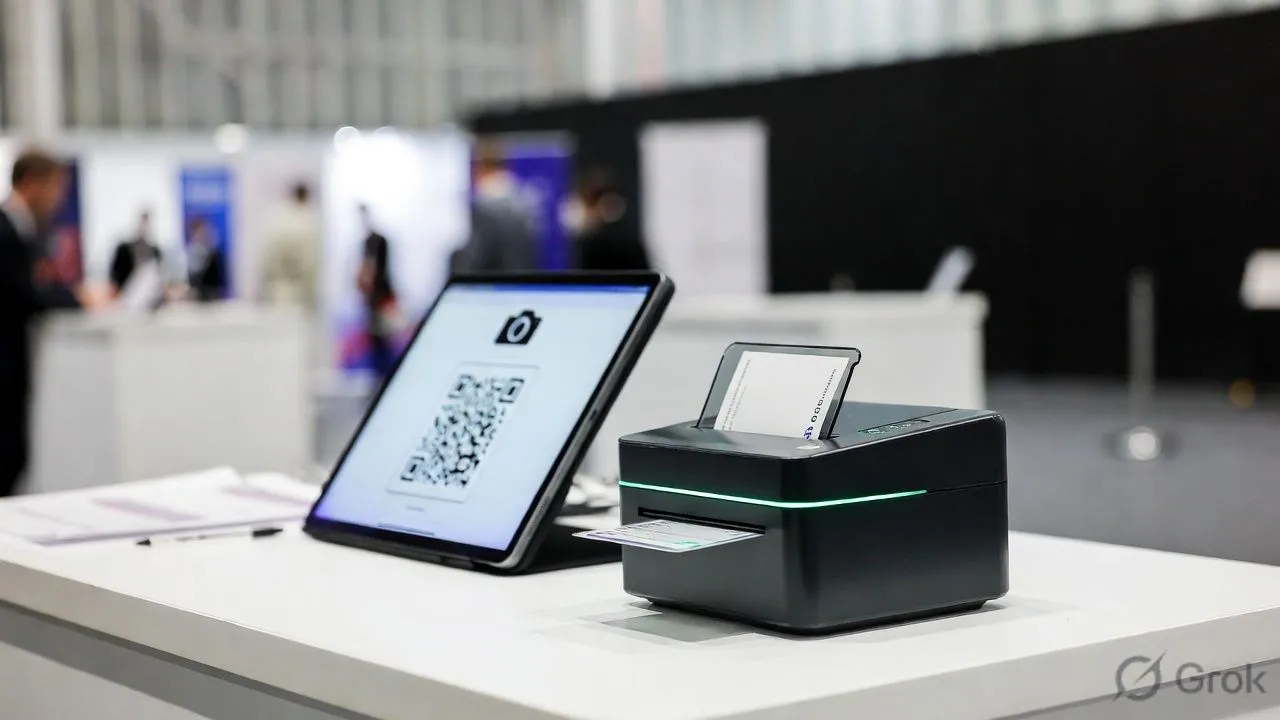
A conference check-in app needs capabilities most event apps don't have: session-level tracking, multi-day badge management, CE credit logging, and the ability to handle 500-5,000+ attendees without crashing. Generic check-in tools work for single-session events but break down when attendees need to check into keynotes, breakouts, workshops, and networking sessions across multiple days.
What Makes Conference Check-In Different
If you're running a half-day workshop, any mobile check-in app works. If you're running a 3-day conference with 40 breakout sessions and CE credit requirements, you need software built for that complexity.
Must-Have Features for Conference Check-In
Session-Level Tracking
The defining feature. Your check-in app must track attendance at individual sessions, not just the event overall.
Why it matters:
- CE/CME credit documentation requires session-by-session proof
- Room capacity management (know when a session is full)
- Speaker analytics (which sessions drew attendance)
- Sponsor ROI reporting (session sponsor visibility)
What to test: Can attendees check into sessions via QR code scan, or does staff have to manually log them? Self-service scales; manual doesn't.
Multi-Day Badge Workflows
Conferences run 2-5 days. Your badge system needs to handle:
- Day badges vs. full-conference badges - Different access tiers
- Session access indicators - Pre-conference workshops, VIP sessions, exhibitor-only areas
- Badge replacement - Attendees lose badges. Can you reprint on-site in under 60 seconds?
- Walk-in registration - Late registrations need badges printed on-demand
Nunify data: Badge reprint requests average 3-5% of attendees per day at multi-day conferences. If reprinting takes more than 2 minutes, you'll create a queue.
Scale Testing
Conference check-in has a brutal arrival pattern: 60-70% of attendees arrive in the first 30 minutes of Day 1. Your app needs to handle that peak, not average load.
Throughput benchmarks for conferences:
The math: 1,000 attendees × 70% arriving in 30 minutes = 700 people in 30 minutes = 1,400/hour peak demand.
If your software or WiFi can't sustain that throughput, Day 1 becomes a disaster that colors the entire conference experience.
Offline Mode That Actually Works
Conference venues have notoriously bad WiFi. Your mobile check-in app must:
- Work completely offline for scanning and check-in
- Queue data locally until connection restores
- Sync without duplicates or data loss
- Handle offline badge printing
Test this specifically. Enable airplane mode on your mobile app and try to check in 50 attendees. Many apps claim offline support but fail in practice.
Analytics Dashboard
Real-time visibility matters at conferences more than single-day events:
- Live attendance counts - Per session, per track, per day
- No-show tracking - Identify sessions with high drop-off
- Peak time analysis - Plan staffing for Day 2 based on Day 1 patterns
- Export for CE reporting - Formatted for accreditation bodies
Conference-Specific Workflows
Pre-Conference Workshops
Separate registration, separate check-in, often separate badges. Your system needs to:
- Distinguish pre-conference from main conference registration
- Allow dual check-in (pre-conference badge + main badge)
- Track workshop attendance separately
Exhibitor and Sponsor Check-In
Exhibitors arrive early, often different days than attendees. They need:
- Earlier check-in windows
- Different badge types (staff vs. exhibitor vs. sponsor)
- Lead retrieval device pickup coordination
Speaker and VIP Management
Speakers need:
- Expedited check-in (no waiting in attendee lines)
- Green room access badges
- Session-specific materials
- Event management team notification upon arrival
VIPs need:
- Visual badge differentiation
- Access tier indicators
- Sometimes escort coordination
- Special management attention
CE Credit Documentation
For medical, legal, accounting, and other professional conferences:
- Attendee must physically check into and out of each session
- Time stamps must be accurate (not rounded)
- Reports must meet accreditation format requirements
- Some require signature capture
Ask your vendor: What CE accreditation formats do you support? If they don't understand the question, they're not built for professional conferences.
Best Conference Check-In Apps
Cvent OnArrival
The enterprise standard. If you're running 2,000+ attendee conferences with complex session tracking, CE requirements, and existing Cvent registration, OnArrival integrates seamlessly.
Strengths: Session tracking, lead retrieval integration, robust reporting, handles massive scale
Weaknesses: Expensive, complex setup, overkill for smaller conferences
Verdict: Best for enterprise conferences already in the Cvent ecosystem
Nunify
Full-lifecycle platform with strong conference capabilities. Registration, check-in, engagement, and analytics in one system.
Strengths:
- Session-level tracking with real-time dashboard
- Badge printing with kiosk support
- Offline mode tested across 200+ events
- Handles hybrid conferences (in-person + virtual attendees)
- WhatsApp integration for international conferences (UAE, India)
Weaknesses: Requires demo for pricing; more features than needed for simple events
Verdict: Best for mid-to-large conferences wanting integrated workflow without Cvent pricing
Whova
Strong networking and engagement features with solid check-in capabilities. Their mobile app has high adoption rates among attendees.
Strengths: Attendee networking, session tracking, good mobile app adoption
Weaknesses: Pricing opaque, check-in is secondary to engagement features
Verdict: Best for conferences where networking is the primary value proposition
Eventleaf
Budget-friendly mobile check-in app with conference-capable features.
Strengths: Affordable per-attendee pricing, session tracking, multi-language support, event management basics included
Weaknesses: Mobile app interface feels dated, limited enterprise integrations
Verdict: Best for cost-conscious conferences under 1,000 attendees
Common Conference Check-In Failures
WiFi Collapse
What happens: 500 people open the conference app simultaneously. Venue WiFi buckles. Check-in stops.
Prevention:
- Bring dedicated WiFi hotspots (minimum 2 as backup)
- Ensure app works fully offline
- Pre-download attendee data before the event
- Test throughput at actual venue, not hotel lobby WiFi
Badge Printer Jams
What happens: Thermal printer jams during peak check-in. Queue builds. Attendees miss the opening keynote.
Prevention:
- Use commercial-grade printers (Zebra, not consumer Dymo)
- Have backup printer ready and tested
- Stage extra badge stock at each station
- Train staff on 30-second jam clearing
Session Scan Failures
What happens: Session room scanner won't read badges. Staff switches to manual tracking. Data becomes inconsistent.
Prevention:
- Print high-contrast QR codes (black on white, not colored backgrounds)
- Test QR size at actual scanning distance
- Use device cameras, not external scanners (more reliable)
- Have manual check-in backup with tablet list
Data Sync Errors
What happens: Offline check-ins don't sync properly. Same attendee shows as checked in and not checked in.
Prevention:
- Test offline-to-online sync before the event
- Use software with conflict resolution (not just "last write wins")
- Reconcile data daily during multi-day events
Conference Check-In Setup Checklist
4 Weeks Before:
- [ ] Finalize attendee data export from registration system
- [ ] Design and test badge templates
- [ ] Order badge stock and lanyards
- [ ] Confirm kiosk/tablet hardware
1 Week Before:
- [ ] Import full attendee list into check-in app
- [ ] Test badge printing (sample batch)
- [ ] Train all check-in staff
- [ ] Prepare walk-in registration workflow
Day Before:
- [ ] Site visit: test WiFi at actual check-in locations
- [ ] Set up all hardware
- [ ] Full test: scan, print, session check-in
- [ ] Brief staff on escalation procedures
Day Of:
- [ ] Arrive 90 minutes before registration opens
- [ ] Test all stations
- [ ] Position backup hardware
- [ ] Monitor queue length in real-time; add stations if needed