

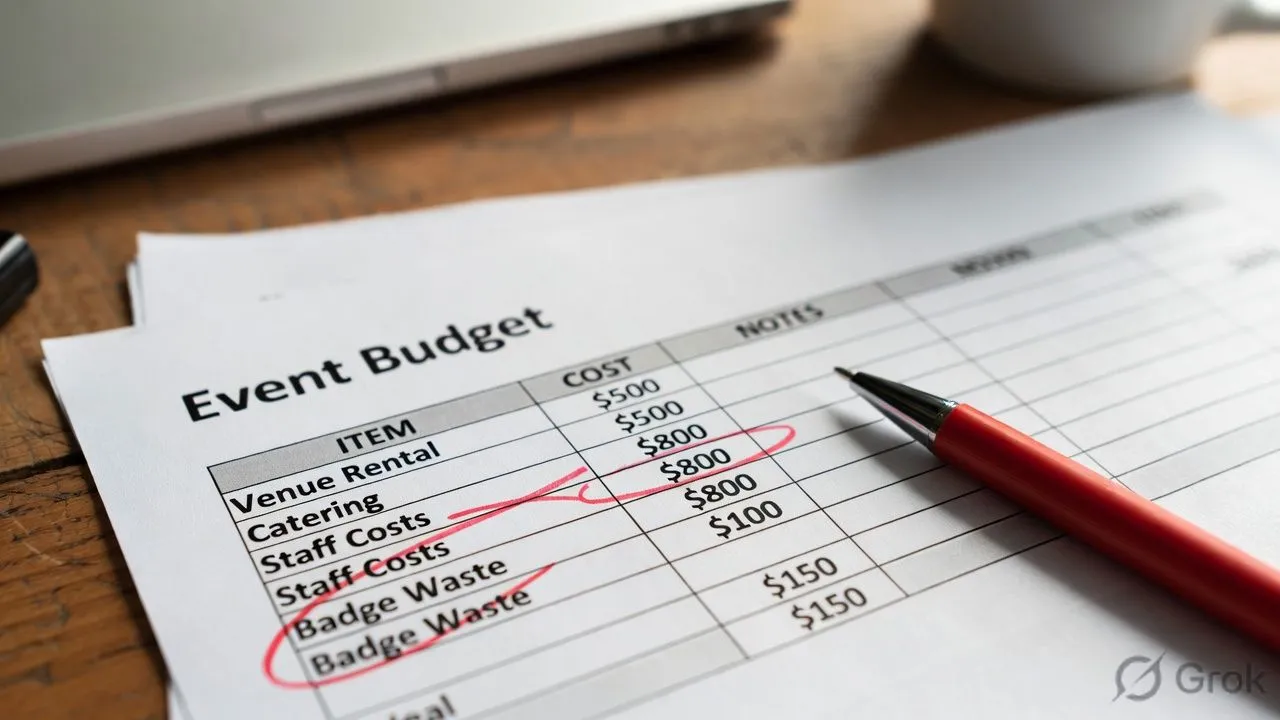
Event Check-In App Cost: Pricing, ROI, and Break-Even Analysis
Event check-in app pricing ranges from free to $5,000+ per event, depending on attendee count, features, and whether you need hardware.
But cost isn't the right question, ROI is.
A $500 check-in app that saves $2,000 in staff time isn't an expense, it's a 4x return.
This guide breaks down real pricing, hidden costs, and how to calculate whether the investment makes sense for your event.
Event Check-In App Pricing Models
Software vendors use different pricing structures. Understanding the model matters more than the sticker price when evaluating mobile check-in apps.
Per-Attendee Pricing
Most common model. You pay based on how many people register.
Example costs:
- 100 attendees × $1.50 = $150
- 500 attendees × $1.50 = $750
- 2,000 attendees × $1.50 = $3,000
Watch out for: Registration count vs. check-in count. Some vendors charge for everyone who registers, not just those who show up. With a 20-30% no-show rate, that's a meaningful difference.
Annual Subscription
Better economics if you run multiple events per year.
The math: If a subscription costs $3,000/year and you run 12 events averaging 200 attendees, you're paying $1.25 per attendee. Run 24 events and it drops to $0.63 per attendee.
Watch out for: "Unlimited events" often has soft caps. Read the contract for attendee limits, feature restrictions, or fair use clauses.
Freemium and Free Tiers
Several vendors offer free mobile check-in apps with limitations.
What free typically includes:
- Basic QR code scanning
- Limited attendee count (50-200)
- Vendor branding on check-in screens
- No badge printing integration
- Limited or no analytics dashboard
What free typically excludes:
- White-label/custom branding
- Badge printing
- Session-level check-in
- CRM integrations and data export
- Priority support
Free works for small events with basic needs. Once you need badge printing, kiosk mode, or your own branding, you're paying.
Hidden Costs Most Vendors Don't Mention
The software subscription is rarely the total cost.
Hardware Costs
Your mobile check-in app runs on devices you provide. Budget for hardware separately.
If you're running occasional events, rental makes sense. For 6+ events per year, buying equipment pays off.
Onboarding and Training
Some vendors charge separately for:
- Account setup: $0-$500
- Staff training sessions: $0-$300
- Custom badge template design: $50-$200
- Data migration from previous system: $100-$500
Ask what's included before signing. "Free trial" sometimes means "free software, paid setup."
Per-Transaction Fees
If your check-in app handles payment (walk-in registrations, upgrades), expect:
- Credit card processing: 2.5-3.5% + $0.30 per transaction
- Platform fee on top of processing: 0-2%
For a $200 walk-in registration, you might pay $7-$10 in fees.
Support Tiers
Most vendors include email support. Faster response or phone support often costs extra:
- Standard support (24-48 hour response): Usually included
- Priority support (4-hour response): $50-$200/month
- On-site event support: $500-$2,000/day
For mission-critical events, budget for priority or on-site support. Your conference can't wait 48 hours for an email reply when check-in breaks at 8am.
The Real Cost: Manual vs. App Check-In
Comparing software pricing to "free" manual check-in is misleading. Manual check-in has real costs—they're just hidden in staff time and errors.
Manual Check-In Costs
App-Based Check-In Costs
Wait—the app costs more? Look again.
What the Numbers Miss
Speed: Mobile app check-in processes 240-400 people/hour vs. 40-80 manual. Your event starts on time.
Data quality: Manual check-in has 15-20% error rates. Mobile app check-in has <1%. Bad data costs you in follow-up marketing and reporting.
Attendee experience: 5-minute waits vs. 30-second scans. First impressions matter.
Recurring events: Setup time for event #2 drops from hours to minutes with proper event management software. The ROI compounds.
Workflow efficiency: With a mobile check-in app, your team handles walk-ins, badge printing, and kiosk support in one unified workflow instead of juggling spreadsheets and paper lists.
ROI Calculation Framework
Here's how to calculate whether a check-in app pays off for your specific situation.
Step 1: Calculate Current Check-In Costs
Current Cost = (A × B × C) + (D × B) + (E × B) + F + G
Step 2: Calculate App-Based Costs
App Cost = H + (I × B × J) + (K × B) + L
Step 3: Calculate ROI
Savings = Current Cost - App Cost
ROI = (Savings ÷ App Cost) × 100
If ROI is positive, the app pays for itself. If ROI is over 100%, you're getting more than 2x return.
Step 4: Factor in Recurring Events
For organizations running multiple events per year:
Annual Current Cost = Single Event Cost × Number of Events
Annual App Cost = Subscription + (Variable Costs × Number of Events)
The more events you run, the better the ROI. Annual subscriptions especially favor high-frequency event organizers.
Break-Even Analysis: When Does the App Pay Off?
Not every event justifies check-in software. Here's the break-even math.
By Event Size
By Event Frequency
The break-even happens faster than most planners expect. By the third event, most organizations see clear positive ROI.
Cost Comparison: Major Check-In App Vendors
Pricing changes frequently. Verify current rates before purchasing.
Note: Pricing varies significantly based on features, attendee counts, and negotiation. Always get a custom quote for accurate comparison.
What to Ask Before Buying
Questions that reveal true cost:
- What's included in the base price? (Badge printing? Analytics? Support?)
- Are there per-attendee caps on "unlimited" plans?
- What does onboarding/setup cost?
- What's the cancellation policy? (Annual contracts with no refunds are common)
- What hardware is required? (And do they sell/rent it?)
- What are the payment processing fees? (If handling transactions)
- What does priority support cost?
- Is there a free trial with my actual event data?
If check-in is part of a bigger event app decision, not just a standalone tool, here's the fuller list of questions to ask - covering security, contracts, and engagement features beyond pricing.