

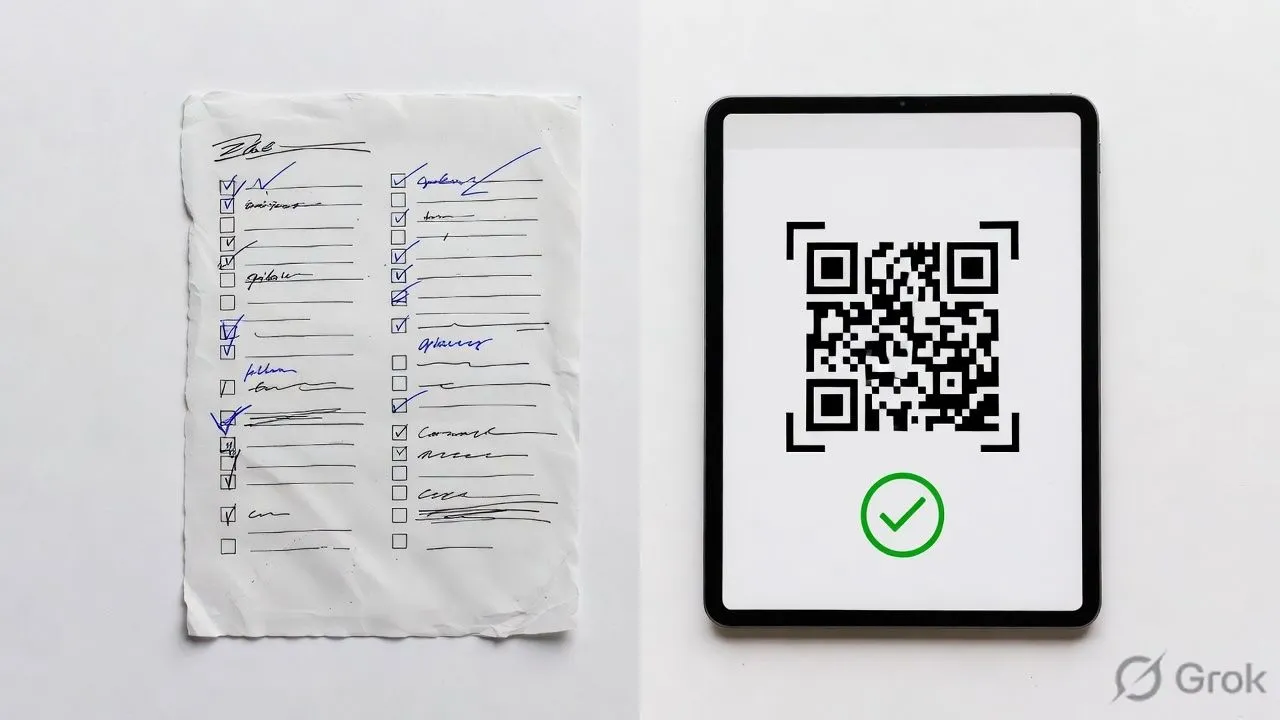
Event Check-In App vs Manual Check-In
Event check-in apps process attendees in 2-5 seconds with 99%+ data accuracy. Manual check-in with paper lists takes 45-90 seconds per person with 15-20% error rates. A single check-in kiosk handles the workload of 2-3 staff members. For events over 100 attendees, the math overwhelmingly favors digital check-in software.
But "faster" doesn't automatically mean "better for your event." This comparison breaks down exactly where apps win, where manual still makes sense, and how to calculate which approach fits your situation.
The Speed Comparison
This is where the gap is most obvious.
Data based on Nunify deployments across 200+ events ranging from 50 to 5,000 attendees.
The self-service kiosk is slower per person than staff-assisted scanning because attendees hesitate, read screens, and occasionally need help. But kiosks don't take breaks, don't need training, and one staff member can supervise four kiosks simultaneously.
The real-world math: A 500-person conference with staggered arrivals over 90 minutes needs to process roughly 5-6 people per minute at peak. Manual check-in requires 4-6 staffed stations to keep up. A check-in app with 2 staff-assisted tablets handles the same flow with room to spare.
The Staff Requirement Comparison
This is where event organizers actually feel the difference in their budget.
Manual check-in staff aren't just scanning names. They're answering questions, handling walk-ins, resolving "I registered but I'm not on the list" situations, and managing the badge table. Each of these interactions takes 2-5 minutes and backs up the line.
With check-in software, the QR scan handles verification. The app handles badge printing. Staff shift from "data entry clerk" to "problem solver for exceptions" a much better use of their time.
The hidden staff cost: Manual check-in also requires someone to consolidate data after the event. Those handwritten walk-in additions, the crossed-out names, the separate "no-shows" tally someone has to enter all of that into your database. That's 2-4 hours of post-event workflow that doesn't exist with a mobile check-in app. The efficiency gain isn't just at the door, it's in the hours you don't spend on data cleanup.
The Accuracy Comparison
Manual check-in creates errors at every step.
The compounding effect: if 5% of names are misspelled on badges, those attendees either wear wrong badges all day or require reprints. If 20% of walk-ins aren't captured, your post-event data is missing a fifth of actual attendees.
For compliance-driven events, this matters even more. CE credit tracking, session attendance for certifications, capacity reporting for fire codes—all require accurate real-time data. A paper-based check-in system can't provide this. Check-in software does it automatically.
The Real-Time Data Comparison
This is the capability gap that manual check-in simply cannot close.
What check-in apps provide in real-time:
- Live headcount (who's arrived, who's missing)
- Check-in velocity (are arrivals slowing down or peaking?)
- Session attendance (which rooms are full, which are empty)
- VIP arrival alerts (your keynote speaker just walked in)
- No-show identification (send "we miss you" messages to stragglers)
What manual check-in provides in real-time:
- A rough guess based on how thick the "checked" stack looks
I've watched event managers walk to the registration desk mid-event to physically count check marks on a printed list. That's the state of "real-time data" with manual systems.
With a mobile app dashboard, you know at 9:47 AM that 412 of your 500 registrants have arrived, 23 are still en route (they opened the event mobile app), and 65 are likely no-shows. You can make decisions: start the keynote on time, adjust catering counts, reassign overflow seating.
The Cost Comparison
This is more nuanced than "apps cost money, paper is free."
Manual check-in costs:
Check-in app costs:
The app is often cheaper, but not always. For a 50-person workshop, the software subscription might cost more than the manual alternative. For anything over 150 attendees, the math tilts decisively toward digital check-in.
The cost you can't calculate: What's a 20-minute registration line worth in attendee frustration? What's a misspelled badge worth to a VP who flew in for your conference? What's missing 15% of your attendance data worth to your sponsors who paid for exposure metrics?
When Manual Check-In Still Wins
I'm not going to pretend apps are always the answer. Manual check-in makes sense when:
Event size under 50 attendees. A clipboard and a Sharpie genuinely work fine. The setup time for a check-in app exceeds the time you'd spend just writing names.
Zero badge requirements. If people don't need printed badges—informal meetups, open-door community events—the main speed advantage of apps disappears.
Audience is tech-resistant. Some attendee populations struggle with QR codes. Senior communities, certain government settings, events where phones aren't allowed. Forcing digital check-in creates more friction than it solves.
One-off event with no data needs. If you'll never see these attendees again and don't need to track anything, the investment in software doesn't pay back.
Budget is absolute zero. Some organizations genuinely cannot spend $100 on event software. A spreadsheet on a borrowed laptop is better than nothing—just know you're trading efficiency for cost savings.
The honest threshold: If you're running fewer than 3 events per year with under 75 attendees each and don't need session tracking or CE credits, manual might be fine. Everyone else should be using check-in software.
The Hybrid Approach
Most experienced event organizers don't go 100% either direction. They use apps as the primary method with manual as the fallback. This hybrid workflow maximizes efficiency while keeping a safety net.
What this looks like in practice:
- Check-in app handles 90% of arrivals via QR code scanning
- One "exceptions desk" with a laptop handles walk-ins, name changes, registration problems
- Paper backup list exists but stays in a drawer unless the app crashes
- Staff trained on both methods so they can switch if needed
The exceptions desk is key. No matter how good your registration software is, someone will show up claiming they registered when they didn't, or their company changed their name, or they're a last-minute replacement for their boss. Having a human with database access at one station keeps these edge cases from clogging the QR scanning lines.
How to Decide for Your Event
Run through this checklist:
If you answered "yes" to 3+ of these, you need a check-in app. The efficiency gains, data accuracy, and streamlined workflow compound quickly.