
A hybrid event combines an in-person event with a live virtual component, so remote attendees can watch, participate, and interact in real time alongside the audience in the room. In-person attendees check in, network, and sit through sessions on-site. Remote attendees stream the same sessions, join live Q&A, and network through a mobile event app or web platform. A hybrid event platform is the software that ties both audiences together, running registration, streaming, the event app, and analytics through one system instead of three disconnected tools. Producing a hybrid event well takes two separate decisions: an AV production plan for the physical room, and a software platform for everything both audiences touch. Most guides only answer one of these.
Hybrid Event Platform Guide: Production, Software and How to Choose
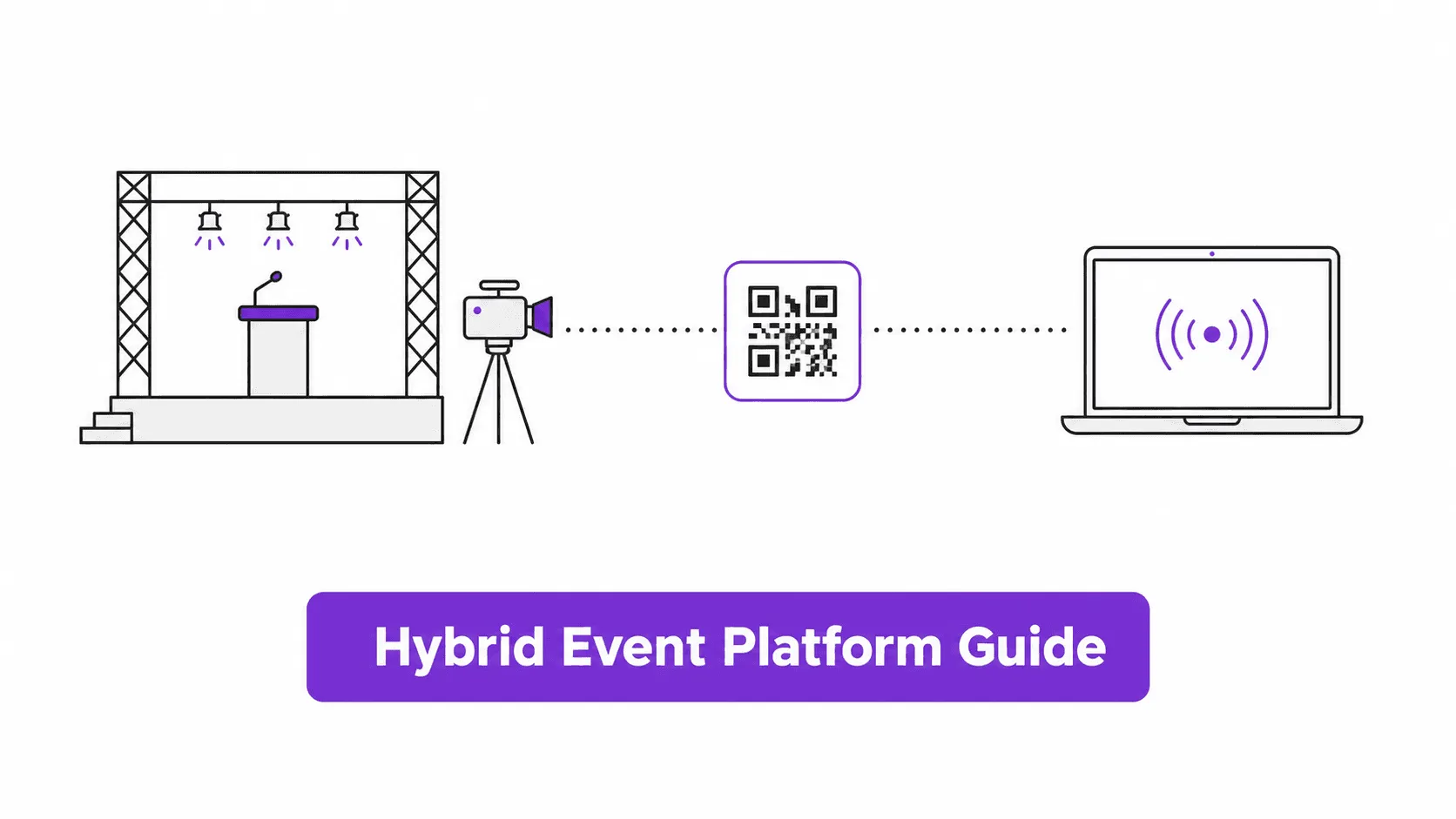
In this article
- What Is a Hybrid Event?
- What Types of Hybrid Events Are There?
- How Do Hybrid Events Actually Work?
- What Does Hybrid Event Production Involve?
- What Software Do You Need for a Hybrid Event?
- How to Choose a Hybrid Event Platform
- Hybrid vs Virtual Events: What's the Difference?
- Benefits and Challenges of Hybrid Events
- FAQs
What Is a Hybrid Event?
A hybrid event pairs a live in-person event with a synchronized virtual stream, so two different audiences experience the same content at the same time through two different channels. It is not the same as posting a recording afterward, and it is not the same as a webinar with no physical venue at all. One example: a product launch streamed to a global audience while press and VIPs sit in the room. Another: a company all-hands broadcast to remote offices while headquarters staff attend in person.
The defining feature is simultaneity, not just the mix of formats. A conference that streams keynotes live but only posts breakout-session recordings afterward is a hybrid event for the keynote and an on-demand virtual event for the rest. That distinction matters for planning: anything happening live needs a production plan and a software plan running at the same time, not staggered.
What Types of Hybrid Events Are There?
Not every hybrid event is built the same way, and the format changes what production and software actually need to support.
Common hybrid event formats
Most accidental event planners are actually running hybrid-lite without realizing it: one keynote streamed for a remote audience, the rest of the event in-person only. That is a legitimate choice, not a lesser version of "real" hybrid. The actual mistake is buying software or hiring production sized for a fully hybrid event when a hybrid-lite setup would do the job for less.
How Do Hybrid Events Actually Work?
A hybrid event runs on two parallel tracks that have to stay in sync. The in-person track covers venue check-in, physical signage, on-site networking, and a stage or session rooms with cameras and microphones. The virtual track covers a login or registration portal, a video stream of the same sessions, a chat or Q&A feed, and virtual networking tools like video meetings or a matchmaking directory. The two tracks meet at specific points. Session content should be identical for both audiences, and the Q&A feed should surface questions from both rooms. Check-in data should roll up into one dashboard regardless of whether an attendee walked through a door or logged in from home.
Most of the actual coordination happens in three places: registration and check-in, content delivery, and engagement. Nunify data across 200+ events shows that 60-70% of attendees arrive in the first 30 minutes of an event, in-person or virtual. That arrival spike is when check-in workflows and stream stability get tested hardest, and it is also where most hybrid events visibly succeed or fail.
Registration itself usually starts weeks earlier, when marketing emails and social promotion drive people to a registration page that captures whether they plan to attend in person or virtually. A confirmation email with a QR code follows, and that QR code becomes the actual check-in credential on the day, scanned at the door for in-person attendees or used to unlock the virtual login for remote ones. Registration is the first place a hybrid event's two audiences technically diverge, since a virtual ticket and an in-person ticket often need different follow-up email sequences and different branding on the confirmation page.
The three places hybrid events actually break
What Does Hybrid Event Production Involve?
Hybrid event production covers everything that happens in the physical room to make the virtual stream watchable: camera placement and switching, lighting that works for camera and not just for the people in the room, microphones and audio mixing, and an encoder pushing a clean RTMP feed to your platform. A single-speaker session in one room can run on one camera, one microphone, and a laptop handling the encoding. A multi-track conference with breakout rooms and a keynote stage usually needs a dedicated crew: a technical director calling camera switches, at least one camera operator per angle, and someone watching stream health in real time.
This is also where hybrid event content and hybrid event software content genuinely diverge. Search results for production advice are dominated by AV and staging companies talking about cameras, lighting rigs, and crew size. Search results for software and platform advice are dominated by SaaS vendors talking about registration, check-in, and analytics. An accidental event planner ends up needing both, but almost nothing connects the two, which is why the production budget and the software budget so often get planned separately and reconciled too late.
Lighting is the part teams most often get wrong on a first attempt, because a room that looks fine to the eye can look flat or overexposed on camera. Event technology has matured enough that most of this is solvable with off-the-shelf gear, not custom engineering. Aim a couple of softbox or LED panel lights at the speaker. Swap the room's PA system for a shotgun or lavalier microphone. Feed a capture card into the encoder instead of pointing a camera at a screen. None of it requires a broadcast background, but it does need testing before event day rather than assuming the venue's existing setup will translate to a stream.
A minimum viable hybrid production setup usually includes:
- One dedicated camera and operator per session track
- A separate audio feed for the room speakers and the stream, since they are rarely the same mix
- An encoder or streaming appliance with a tested backup internet connection
- A stage manager or technical director who is not also running your registration desk
When do you not need a dedicated production company? A single-camera, single-speaker session in a room your team already knows how to wire for sound, streamed through your hybrid event platform's built-in RTMP tools. That setup rarely needs a specialist crew. When do you need one? Multiple simultaneous session tracks, a stage with more than one presenter, or a venue you have not run a hybrid session in before. Any of those is reason enough to bring in AV production support, at least for a dry run. Some vendors bundle this as "hybrid event services," pairing a crew with the software in one contract. If you only need the platform, confirm that distinction before you sign. Bundled production services usually cost significantly more than software alone.
A dry run catches most of what goes wrong before the actual event: dropped audio, a camera angle that cuts off a speaker, or a stream that looks fine on a laptop but breaks on the venue's real internet connection. Nunify's live streaming tools handle the distribution side of this, but no software fixes a bad camera angle or a room with the wrong acoustics. That part stays a physical production decision.
What Software Do You Need for a Hybrid Event?
A hybrid event platform is not one tool. It is five categories of software working together, and most evaluation mistakes happen when a team picks a platform that is strong in one category and weak in another they did not think to check.
Hybrid event software categories
These five categories cover the guest-facing and delivery side of a hybrid event. Back-office event management work, budgeting, vendor coordination, and the runbook that ties production and software together, sits outside them. The same small team is usually juggling both at once, which is part of why hybrid events feel harder to plan than a straightforward in-person event.
Check-in and badging gets the least attention in most hybrid event guides, and it is usually where hybrid events actually go wrong on the day. Nunify data across 200+ events puts manual check-in at 45-90 seconds per person, against 5-15 seconds per person with staffed app-based check-in and 10-30 seconds per person at a self-service kiosk. That gap compounds fast: manual check-in throughput runs 40-80 people an hour, while app-based check-in runs 240-400 people an hour. At a 500-person hybrid event, that is the difference between clearing your in-person crowd before the keynote starts and still checking people in twenty minutes after it begins, while remote attendees are already watching.
Kiosks are not a free upgrade either. Nunify data shows roughly 30% of first-time attendees struggle with a self-service kiosk and end up asking a staff member anyway, so a kiosk works best as a supplement to staffed check-in rather than a full replacement. As a rough staffing ratio, one kiosk covers what 2-3 staff members would otherwise handle. For multi-day events, badge reprints add up too: Nunify data shows a 3-5% daily reprint rate from lost or damaged badges, worth planning printer capacity around rather than discovering on day two.
QR codes do double duty in most hybrid event software. The same code sent in a registration confirmation email becomes the badge scan at check-in, whether that badge is printed on-site or shown on a phone screen. Nunify data across 200+ events times the combined QR-scan-plus-badge-printing step at 15-30 seconds per person, sitting between fully manual sign-in and pure app-based scanning. A simple pre-event reminder telling attendees to have their QR code ready cuts check-in time by 15-20%, mostly by avoiding the fumbling-through-email moment at the front of the line.
Streaming and webcasting is the category most people assume "the platform just handles," and mostly it does, provided the platform supports RTMP ingestion and has enough bandwidth headroom for your expected concurrent viewers. The event app, usually a branded mobile app on the attendee's own phone, is where remote attendees actually spend their time: agenda, session reminders, Q&A, and networking all run through it. What is an event app is worth reading in full if you have not settled on what the app needs to do versus what your back-office registration software handles.
One caution on gamification specifically: it is a common way teams try to drive attendee engagement in hybrid event apps, but Nunify data shows that if fewer than 30% of attendees are still engaging with a gamification mechanic after the first hour, it is the wrong mechanic for that audience, not a sign attendees dislike gamification generally. Leaderboards work well for a competitive sales kickoff and fall flat at a compliance training session, so match the mechanic to the room before adding it as a default feature.
Event registration software and what is an event check-in app cover the registration and check-in side of this in more depth if you are evaluating that piece specifically.
How to Choose a Hybrid Event Platform
Once you know the five software categories, choosing the right hybrid event solution comes down to matching your event size and complexity to the right tier, not chasing the longest feature list.
Hybrid event platform tiers
It helps to separate hybrid event platforms from general web conferencing tools early in the search. Web conferencing tools built for meetings handle a live video call well, but most were never designed for on-site badge printing, kiosk check-in, or a branded mobile event app. Teams that start with a web conferencing tool for a hybrid event often end up bolting on two or three extra tools later to cover what a dedicated hybrid event platform already includes.
This holds regardless of where the event runs. A hybrid conference in New York, a corporate summit in Dubai, and a multi-city rollout across the US, UAE, and India all use the same five software categories and the same 75-attendee threshold; only the crew logistics and time zone planning change.
That worth-it threshold is not arbitrary. Nunify data across 200+ events puts the break-even point for a dedicated hybrid event platform, versus a mix of a webinar tool plus spreadsheets, at around 75 attendees. Below 50, setup and configuration overhead usually costs more time than it saves, and a simpler webinar tool with basic streaming does the job.
A practical evaluation checklist, roughly in the order it matters:
- Does registration and check-in run in one system for both in-person and virtual attendees, or will your team reconcile two spreadsheets afterward?
- Is check-in and badging throughput specified anywhere, or only implied? Ask for it directly; what is an event check-in app has the math on why this matters more than it looks.
- Does streaming support RTMP ingestion and on-demand recording without a separate add-on?
- Is the event app included, or a paid upgrade discovered during procurement?
- Can you see session-level and engagement analytics after the event, not just registration counts?
- Is pricing transparent per attendee or per event, or does it require a sales call to find out?
- Does the platform offer white-label or custom branding for the app and registration pages, or does your brand end at the confirmation email?
Customization matters more for some teams than others. If your event needs to carry your own brand end to end rather than the vendor's, ask specifically about white-label options for the app and registration pages before you sign. Nunify's white label event app guide breaks down what that actually costs and takes to set up.
Nunify's hybrid event platform brings all five categories into one system for events in the 75-plus attendee range. That is where most accidental event planners land once they have a headcount and a date. For the enterprise tier running a full events calendar across regions, the calculation is different, and a platform built around program-level operations rather than a single event usually makes more sense there.
Hybrid vs Virtual Events: What's the Difference?
A virtual event happens entirely online, with no in-person audience. A hybrid event layers a live virtual stream on top of an in-person event, so both audiences exist at once and need to be served in parallel, not sequentially.
Hybrid vs virtual vs in-person
The practical difference shows up in planning, not just format. A virtual event only has to get the stream right. A hybrid event has to get the stream right and the room right at the same time, and a delay or awkward camera cut in the room is now visible to remote attendees who have nothing else to look at. Nunify's virtual event guide covers virtual-only planning in full if that is closer to what you are actually running. Choosing between the two usually comes down to whether an in-person audience adds enough value, sponsorship, or reach to justify the added production complexity. If remote attendance is the whole point and in-person is a small bonus, a virtual event platform alone may be the simpler and cheaper choice.
Benefits and Challenges of Hybrid Events
Hybrid events genuinely extend reach and sponsorship opportunities beyond what an in-person event alone can offer, but they also introduce real coordination costs that vendor content often skips past. Both sides are worth being honest about before committing to the format.
Benefits and challenges
The attendee engagement challenge is usually underestimated. Keeping a remote audience engaged for a multi-hour session takes deliberate design, live polls, visible Q&A, and breakout rooms, not just a working stream. Nunify data shows added features like gamification only help when engagement stays above 30% after the first hour; below that, the mechanic does not fit the audience. Time zones make the point concrete. A hybrid event with attendees spread across the US, UAE, and India adds a real scheduling puzzle. A 10 AM session in New York is already evening in Dubai and near midnight in Bengaluru. Recording sessions for on-demand viewing matters more here than it would for a single-region audience. The staffing point matters too: a hybrid event does not need fewer staff than an in-person event of the same size, because someone still has to run the room while someone else manages the stream. Nunify data across 500+ attendee events shows a 60-70% staff reduction is achievable specifically at check-in, through app-based and kiosk check-in replacing manual sign-in sheets. That saving is concentrated at the door, not across the whole event.
The honest reason to run a hybrid event: your in-person audience alone does not capture the full reach or sponsorship value available, and you are willing to plan two coordinated budgets to get there. The honest reason to skip it: if your in-person event is small and mostly local, and remote interest is speculative rather than confirmed, a recorded version posted afterward often delivers most of the same value with none of the live-production risk.
FAQs
A hybrid event combines an in-person event with a live virtual component, so remote attendees can watch and participate in real time alongside the audience in the room. Both groups access the same session content, though check-in, engagement, and camera angles need separate planning for each.
A virtual event has no in-person audience at all; everyone attends online. A hybrid event runs both an in-person and a virtual audience at the same time, which adds AV production requirements a purely virtual event does not need.
Hybrid event production covers the physical side of the stream: camera placement, lighting for camera, audio mixing, and an encoder pushing a clean feed to your platform. Simple single-speaker sessions can often skip a dedicated production crew; multi-track conferences usually need one.
Often yes, and that is part of why hybrid events are harder to plan than they look. Production companies handle the physical AV setup, while your hybrid event platform handles registration, check-in, streaming distribution, and the attendee app. A small single-camera event can sometimes cover both with the platform's built-in tools alone.
Pricing varies significantly by tier for any hybrid event solution you evaluate. Lightweight tools built for single-session webinars cost the least but usually lack check-in and badging depth. Mid-market all-in-one platforms price around attendee count and feature set. Enterprise platforms are priced around a full events program rather than a single event. Get quotes based on your actual attendee count and which software categories you need, not a generic per-event estimate.
Nunify data across 200+ events puts the break-even point at around 75 attendees. Below 50, a simpler webinar tool plus manual check-in is often more efficient than the setup overhead of a full platform. Between 50 and 75, the decision usually comes down to whether you need session-level analytics or multi-day badge printing.
The two most underestimated challenges are keeping a remote audience engaged for the full session length and staffing the event, since a hybrid format does not reduce headcount needs the way it sometimes appears to. Tech failure risk also compounds, because a dropped stream or bad camera angle is visible to an entire remote audience with nothing else to watch.